











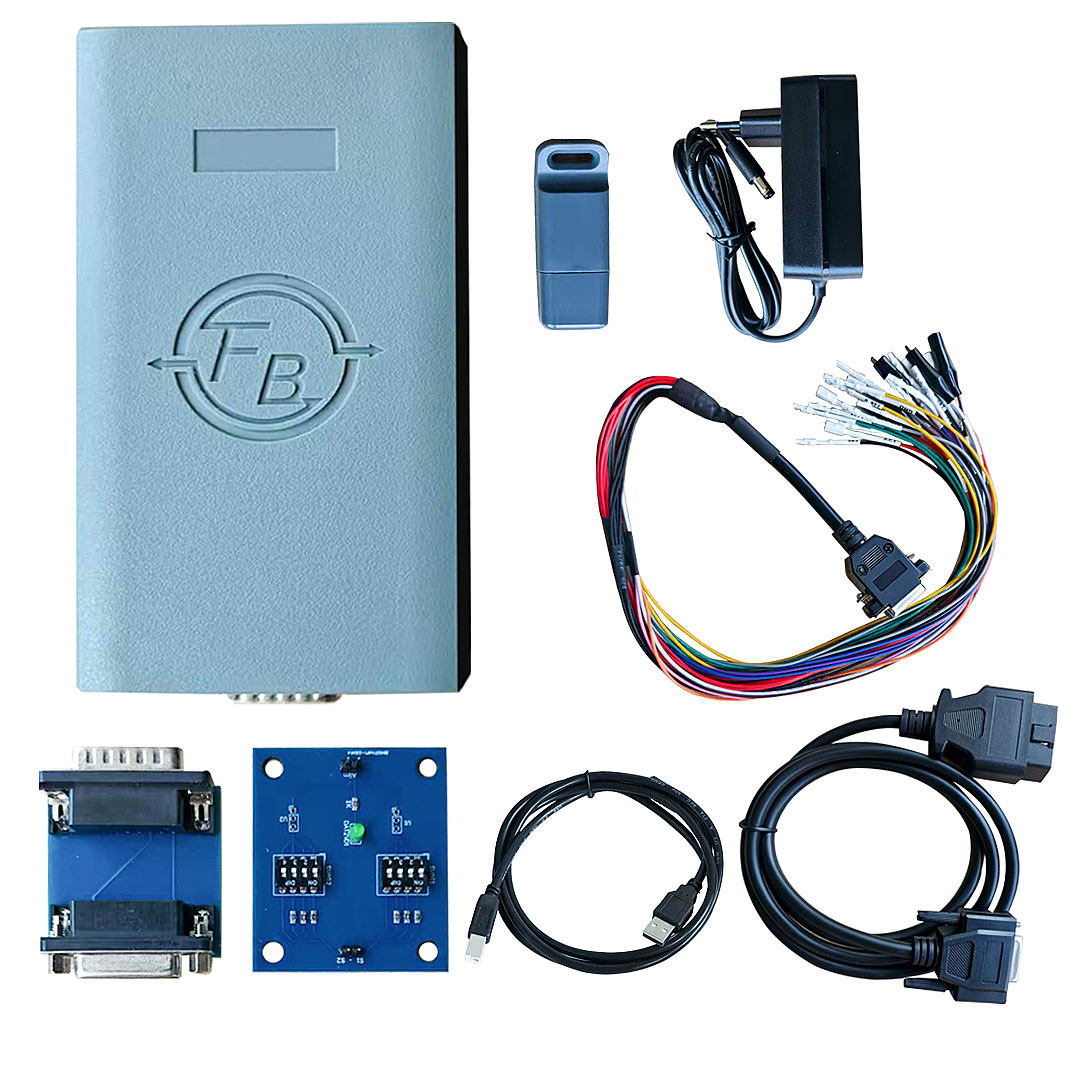
1- MTMCAN2ECU(Electronic control unit.incl.Mpps func. and Marelli) License activation: The ECU package includes the following functions: OBD – Boot Mode – Normal Bench Mode
2- MTMCAN2Specical BENCH Modeactivation: Allows you to read most Bosch EDC17/EDC16 – MD1/MG1 – ME9 electronic control units on the table. It is necessary to remove the control unit from the vehicle to connect from the front socket
3- MTMCAN2Bsi / Body ComputerLicense:It allows to read & write body / bsi via pinout
4- MTMCAN2AIRBAG / ABS ModeLicense: By connecting via the airbag or anti-lock braking system control unit connections, it is possible to restore their original condition.
5- MTMCAN2EPSLicense: The correct condition of the steering column can be adjusted via OBD socket or connected. 6-MTMCAN2ONLY Marelli FunctionIncluding OLD Cdc License Activation 7- MTMCAN2DashboardLicense.
MTMCAN2 Interface Software
The MTMCAN2 kit is simple and connected. From the main screen, you can choose from the main car brands and then select the reading mode. The control unit is selected as well as the unlocking or checksum calculation is done automatically.
Frequently Asked Questions about MTMCAN2 Interface Tool
1- What is MTMCAN2?
A complete hardware and software tool to read and write EEprom & Micro via OBD, BOOT and BENCH MODE. It can do checksum correction before writing
2- Is the MTMCAN2 a master or slave device?
It is a standalone tool so it works like the main tool.
3-MTMCAN2 Requirements
MTMCAN2 does not require specific hardware specifications, but it is necessary to have at least Windows 7 or higher, a stable connection, and an active and fully updated Windows Update. If the specifications are not met, there is a risk of losing one license in case of software problems
4- Is there any evidence?
You can download technical manuals with wiring diagrams directly from the program by pressing the “Pinout” button or request support.
5- How many combinations are allowed?
No computer limited, just plug the usb dongle to your computer
We are dedicated to providing excellent support and assistance. If you have any questions, concerns, or inquiries, please don't hesitate to reach out to us. Our team is here to help! Email:info@todiag.com Whatsapp:+86-15889387385 Skype:ssss.hong Live Chat:Visit our website and click on the live chat option to chat with Oliver Liu in real-time.