











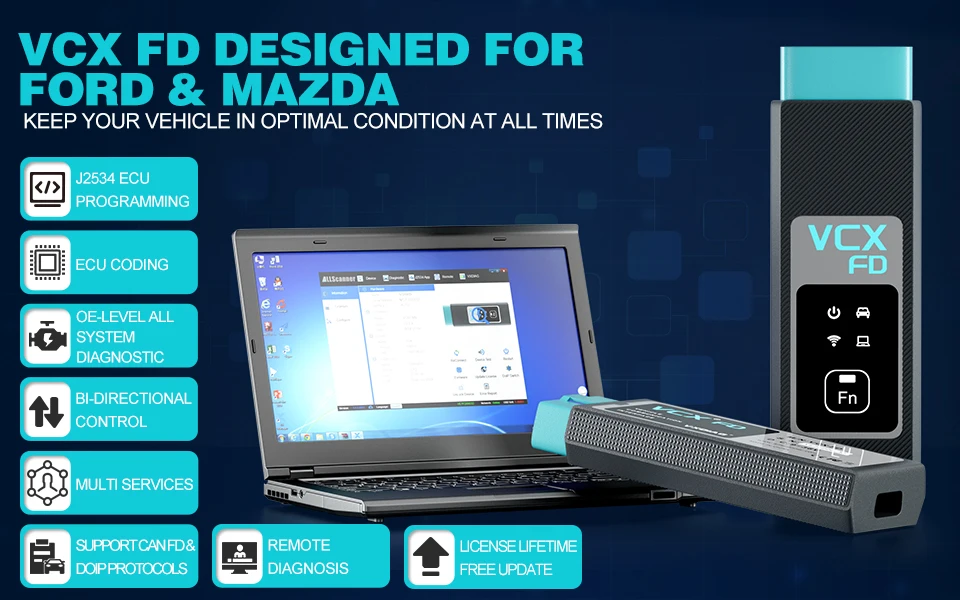
VCX-FD is a smart vehicle diagnostic interface designed by ALLSCANNER VXDIAG, which represents the diagnostic technology of the next generation. The product uses a newly upgraded dual-core high-speed processor to fullysupport multi-channel CAN-FD / DOIP and traditional diagnostic protocols, andcompatible with more original diagnostic software, with multi function.
VCX-FD also supports local and super remote dual-mode diagnosisto provide users with excellent diagnosis experience.
Advantages of VCX FD Hardware
VCX FD is an Extreme Performance Vehicle Diagnostic Interface, the Upgraded Version of VCX SE.
1. Dual -core architecture coordinated work, more communication performance The 550MHz ARM protocol processor implements CAN-FD and all traditional vehicle BUS protocols. The 560MHz MIPS network processor realizes the DOIP super diagnostic gateway. Dual -core processors communicate through the Ethernet, high bandwidth and low latency. The diagnostic communication speed has been several times more than the previous generation of products.
2. Dual operating system, the software is more stable The RTOS real -time operating system guarantees the vehicle bus protocol multi -task and the communication. OpenWRT network operating system flexibly connects a variety of network interfaces and vehicles.
3. Support more comprehensive vehicle BUS protocol Integrate OBD intelligent protocol multi -router chips, all pins can intelligently switch any protocol. Support 3-channel CAN-FD multi-channel complication, up to 5M BPS high-speed communication. Support ISO-13400 standard dual-road DOIP interface Option 1 and Option 2.
4. Flexible and easy -to -use connection method The host communication interface supports multiple connections such as USB / RJ45 / WLAN, which is flexible and easy to use. Built -in wireless route mode, diagnostic computers can wirelessly connect devices. Support the wireless workstation mode, the device can access the wireless LAN, and any computer can connect the device. Support the vehicle DOIP Ethernet into WLAN to achieve wireless DOIP diagnosis.
5. Brand New Design Adopt an integrated design of integrated OBD-II interface, which is convenient to plug and play. The reinforced Type-C interface can prevent shaking and falling off, and the connection is more reliable.
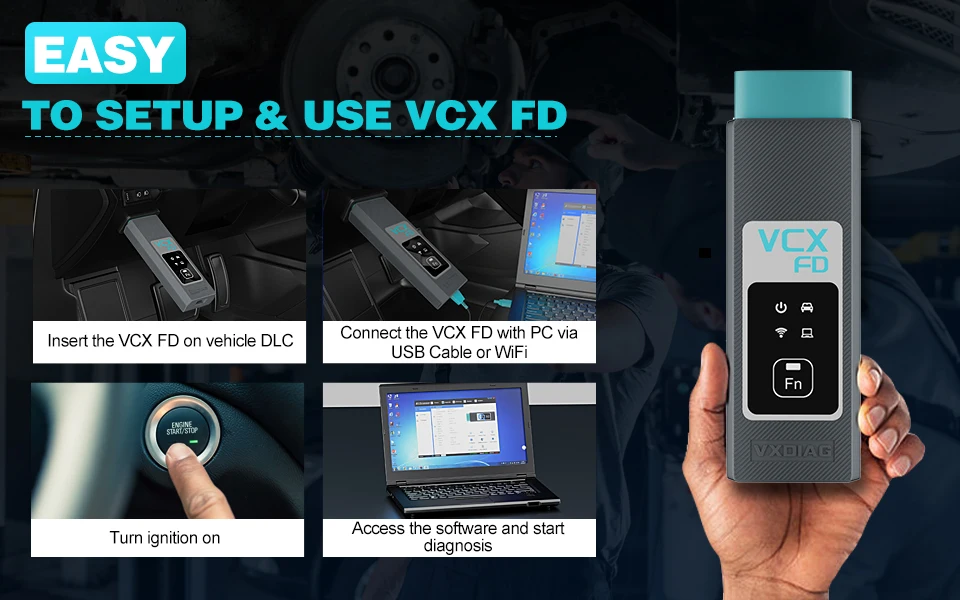
How to SetUp & Use VCX FD?
Let’s start the software installation on WINDOWS system:
1. First download and install software (we don't provide the link)
2. Install the latest VX MANAGER version viawww.vxdiag.net
4. Start the VX Manager.Make sure you your computer network is good. Connect your device by USB cable/WiFi to computer and OBD2 Socket to your ECU Bench connector or Your car’s OBD2 Port.
Install Passthru driver. Check your device license.
5. Turn on the car ignition. You can start to diagnose the car.
🚩Installation Tips: Please turn off anti-virus software before install.
Lifetime License Free Update
Q: How to resolve "License Expired" issue?
A: 🌎Download VX Manager 1.Please download latest vx manager . 2.After download, please install the new vx manager.
🌎Update the Firmware 1.Then connect device to laptop, laptop connecting network. 2.Open new vx manager, click "Firmware" to update.
🌎Update the License 1.Click "Update license" to renew on the vx manager.
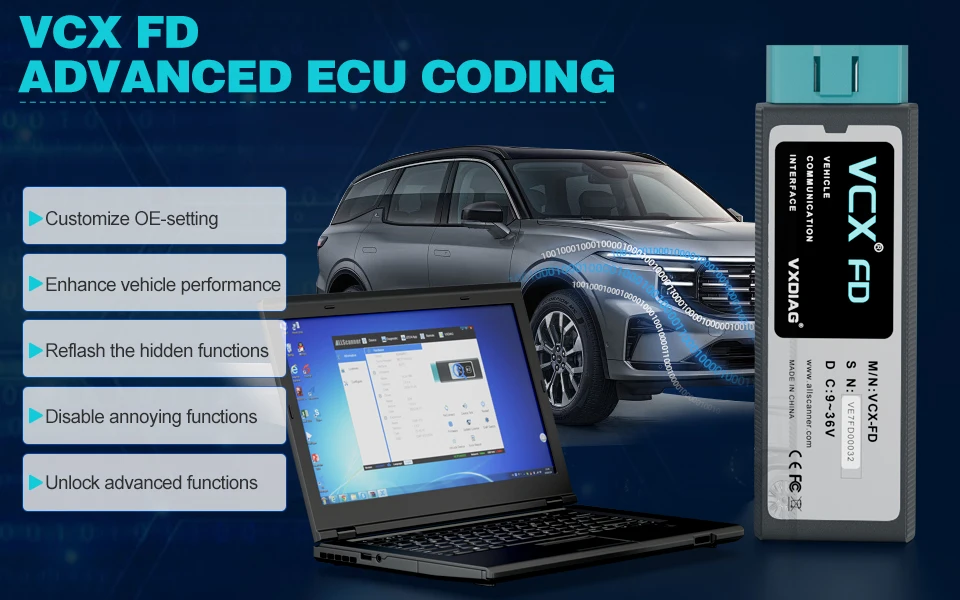
Advanced ECU Coding / Configuration
VCX FD can perform many advanced features with OEM software, such asrefresh hidden functions, disable the annoying functions, enhance vehicle performance, customize OE-settings, reprograms the adaptive data for certain components after repairs or replacements, customized configurations for high-end models and so on to enhance fuel efficiency and ensure safe driving.
🚩We don't provide the original online account for coding.
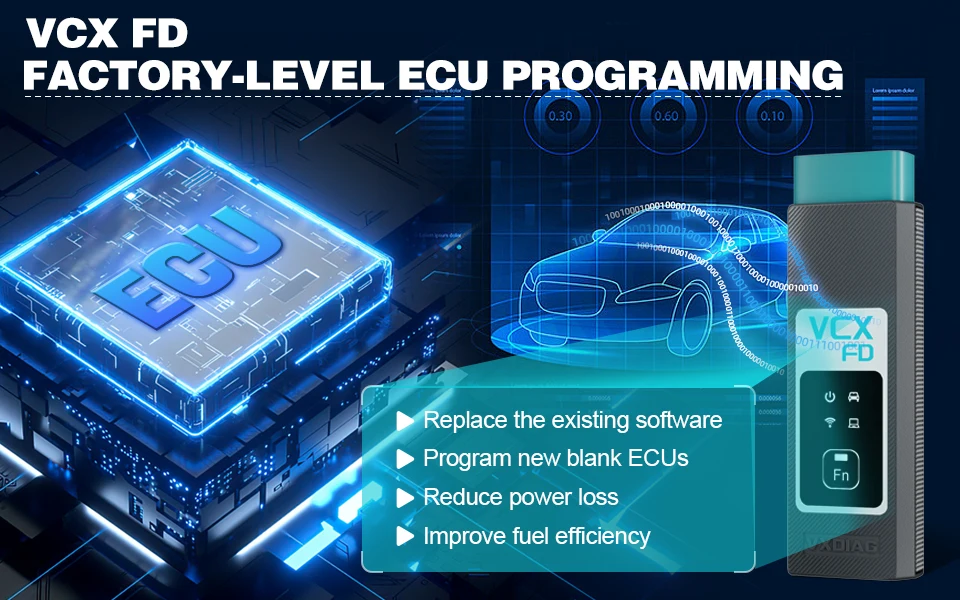
J2534 ECU Programming
🚗VCX FD J2534 Pass-Thru ECU Programming Tool can be used with PC to performECU programming features. It helps you program blank ECUs, refresh high-end functions, update vehicle ECU softwareetc., greatly improving the applicability of vehicles.
🚗Work with PC, VCX FD is fullycompliant with SAE J2534-1 & J2534-2 standards, supporting major OEM diagnostic tools, it speeds up reprogramming and diagnostics, saving time and boosting efficiency.
🚩We don't provide the original online account for programming.
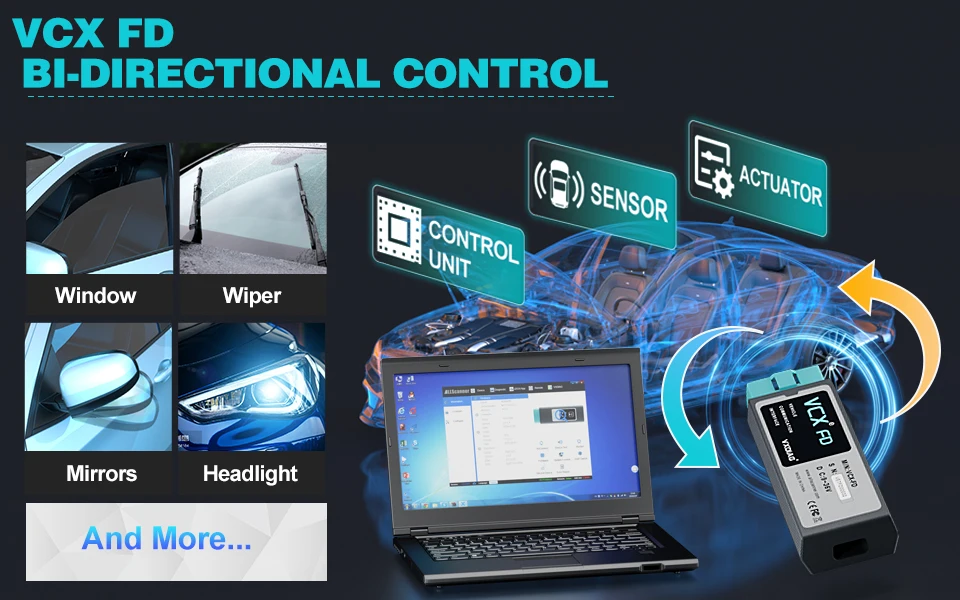
Bi-directional Control Active Test
The process of sending and retrieving information from a vehicle control module with a device is known as Actuation Test or Bi-Directional Control.
VCX FD is with this capacity. The main aim of the actuation test function is to request the control module toperform a specific function including system tests, actuator tests, functional tests, inspection tests, reprogramming or re-initialization, thus saving diagnostic time.
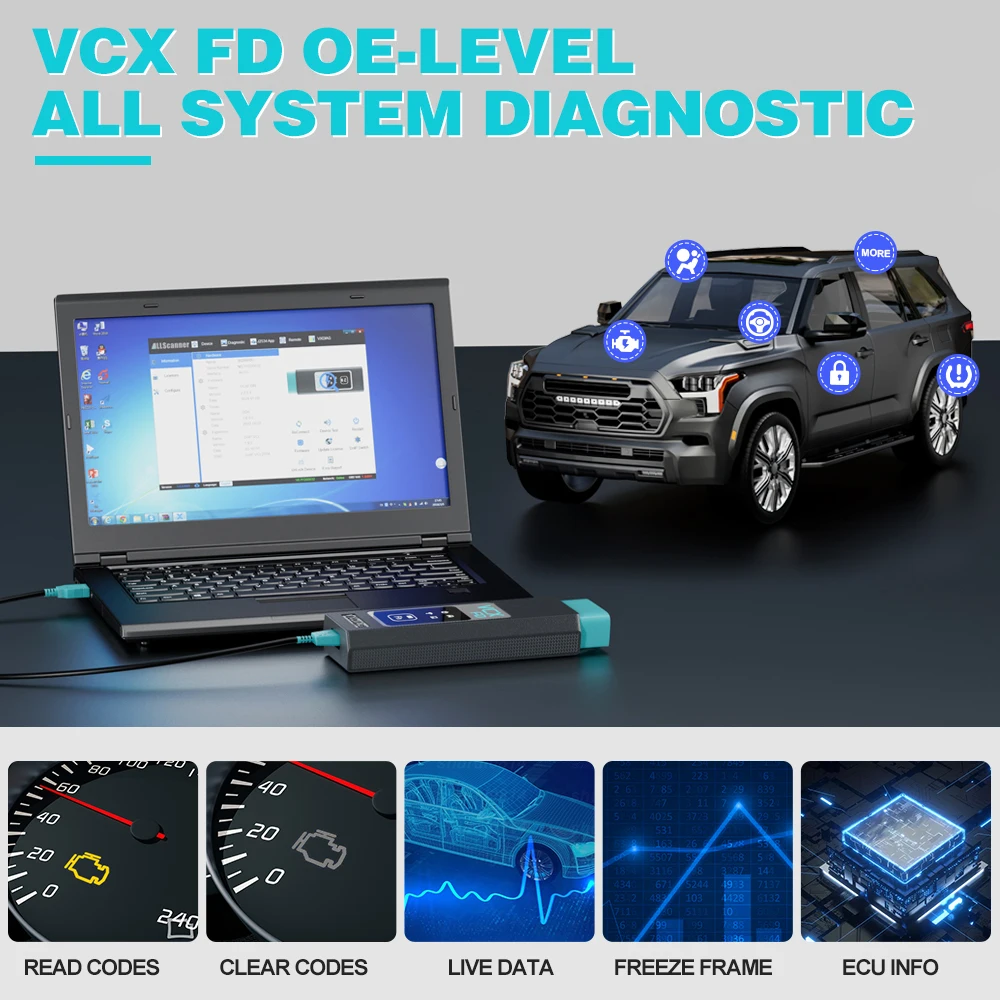
OE-Level All System Diagnostic
By penetrating all available ECUs, including but not limited to PCM, ECM, EPS, PDM, TPM, BCM, ABS, SCCM, etc., VCX FD retrieves information and performs OE-level diagnosticson all available vehicle systems, like read and clear codes, View Data Stream and Freeze Frame and read vehicle information, ECU Replacement. It not only enables you to troubleshoot promptly but also makes you customize the configuration.
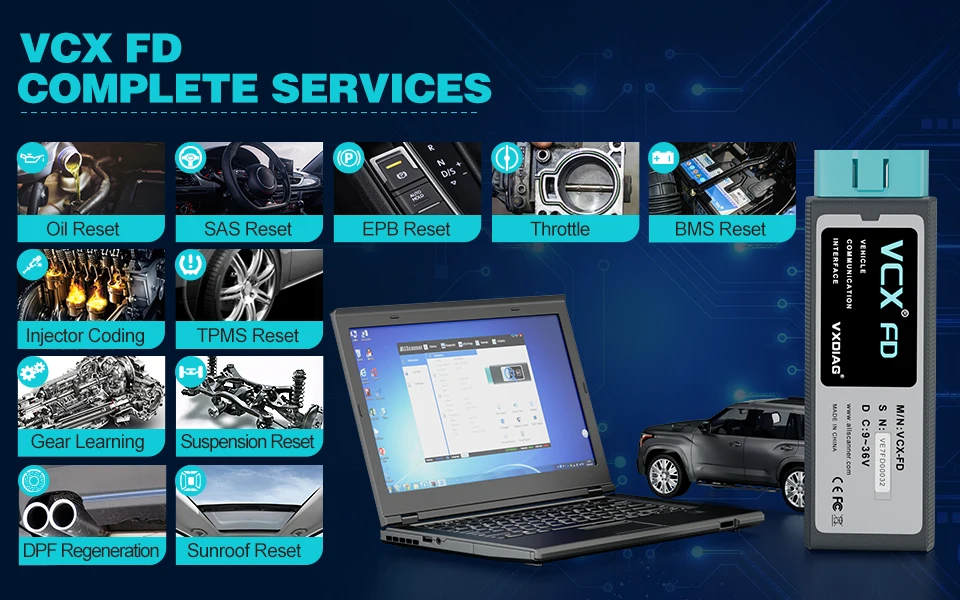
Complete Services
For various scheduled service and maintenance includeMaintenance Light Reset, throttle learning, steering angle learning, brake pad reset, tire pressure reset, ABS exhaust,battery matching,gear information learning,injector coding, DPF regeneration,headlight matching, gearbox learning, suspension matching ,Sunroof initialization, A/F adjustment, electronic pump start, release transportation mode, tire modification, door and window calibration, urea reset, NOx reset,start-stop setting, language setting, seat calibration, shielding failure, etc.
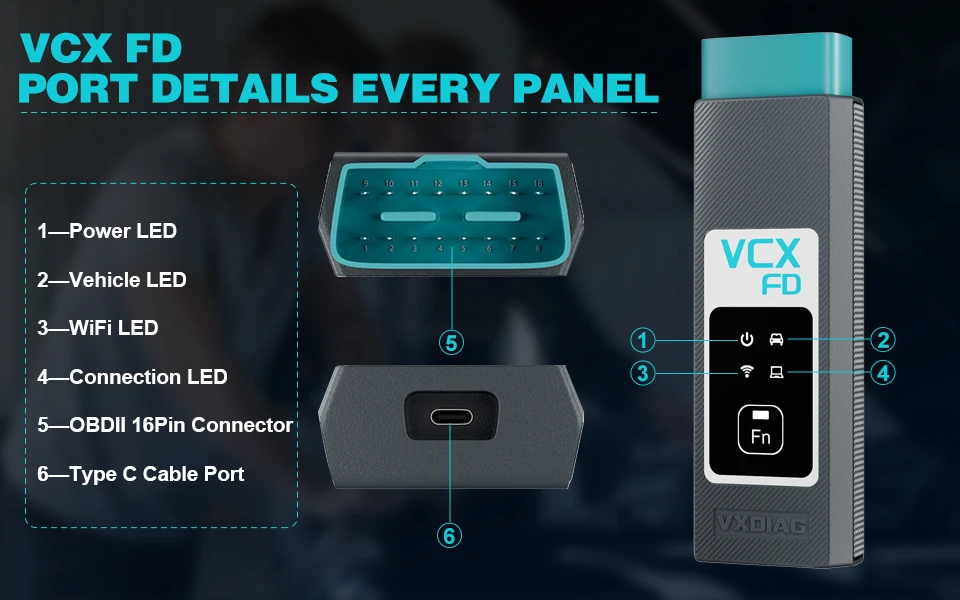
Port Details Every Panel
1-Power LED: Equipment Working Status:RED Breathing flash when starting normally Flash rapidly during hardware failure
2-Vehilcle LED: Vehicle communication Status: TWO-COLOR Flash blue during traditional protocol Flash green during DoIP protocol
3-WiFi LED: Wireless Network Status:BLUE Flash quickly during wireless communication Flash slowly during wireless distribution
4-Conection LED: Host Communication Status:TWO-COLOR Flash BLUE during USB communication Flash GREEN during LAN communication
-Fn Button: Remote Diagnostic Status:GREEN Flash slowly after remote connection Flash quickly during remote diagnosis
5-OBDII 16Pin Connector:Connect to vehicle's OBD2 port
6-Type C Cable Port:Connect to PC via cable
VXDIAG VCX FD Connection:
We are dedicated to providing excellent support and assistance. If you have any questions, concerns, or inquiries, please don't hesitate to reach out to us. Our team is here to help! Email:info@todiag.com Whatsapp:+86-15889387385 Skype:ssss.hong Live Chat:Visit our website and click on the live chat option to chat with Oliver Liu in real-time.